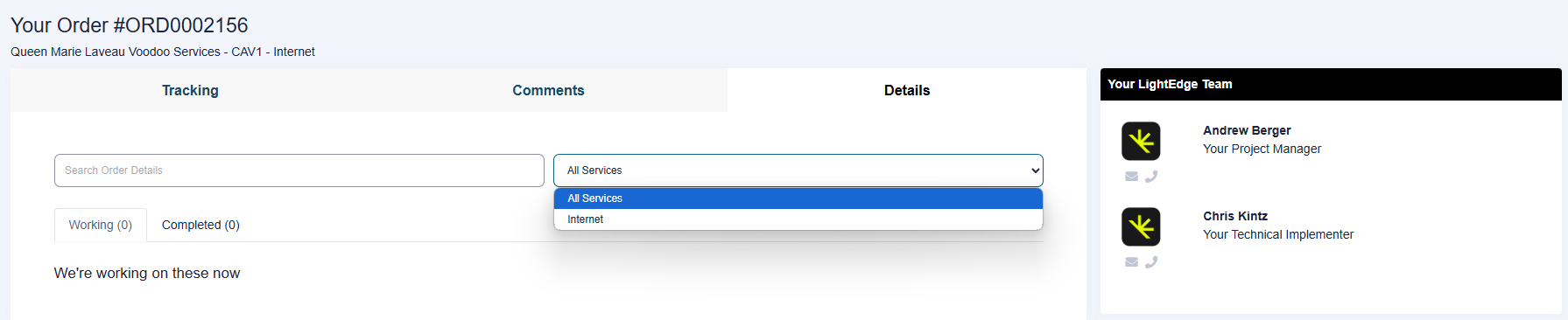
Orders
From your dashboard you will see a highlight of your open service orders. For more detailed information, use the “Track Order” or order status buttons. Click on the “View New Messages” button to jump directly to messages regarding that order
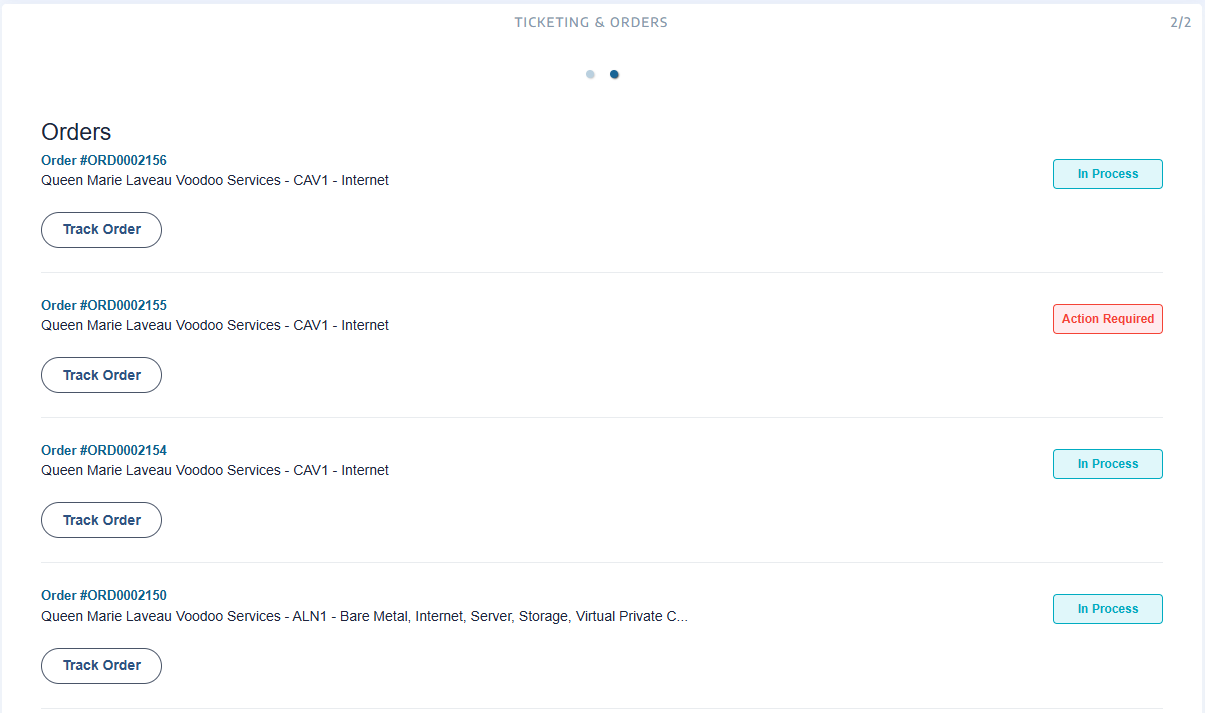
View a Specific Order
From the Tracking tab, you can follow the progress of your order and respond to any action required.
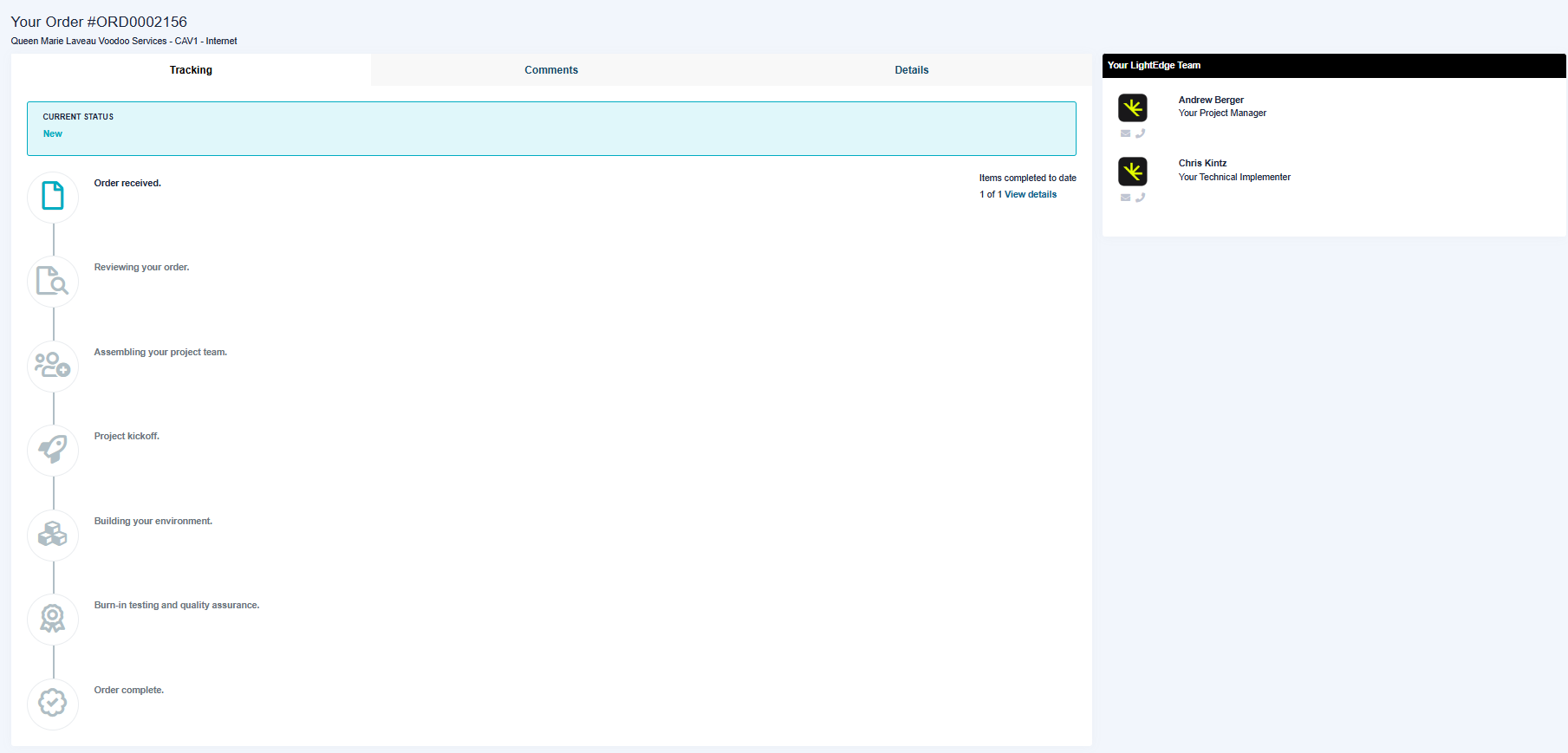
View Order Comments
From the Comments tab, you can view and send messages related to your order.

Add Order Comments
To add a comment, navigate to the order you want to add the comment too by clicking “Track Order”. Then select the Comments Tab and scroll to the bottom or until you see the text box to add a comment and/or an attachment.
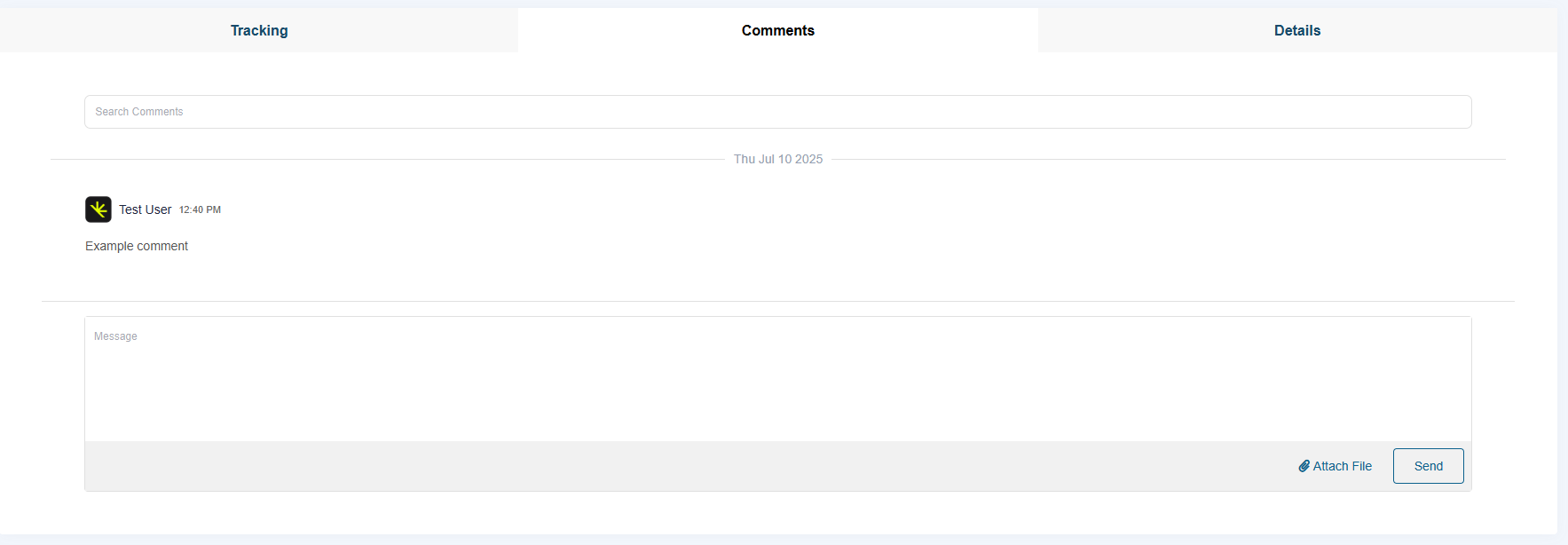
View Order Details
From the Details tab, you can dive into the specifics of the items contained within the order and see their individual status.