Documents & Reports
Depending on the provision of certain services from Lightedge, various documents and reports become available to users of MyLightedge.
Compliance Documents
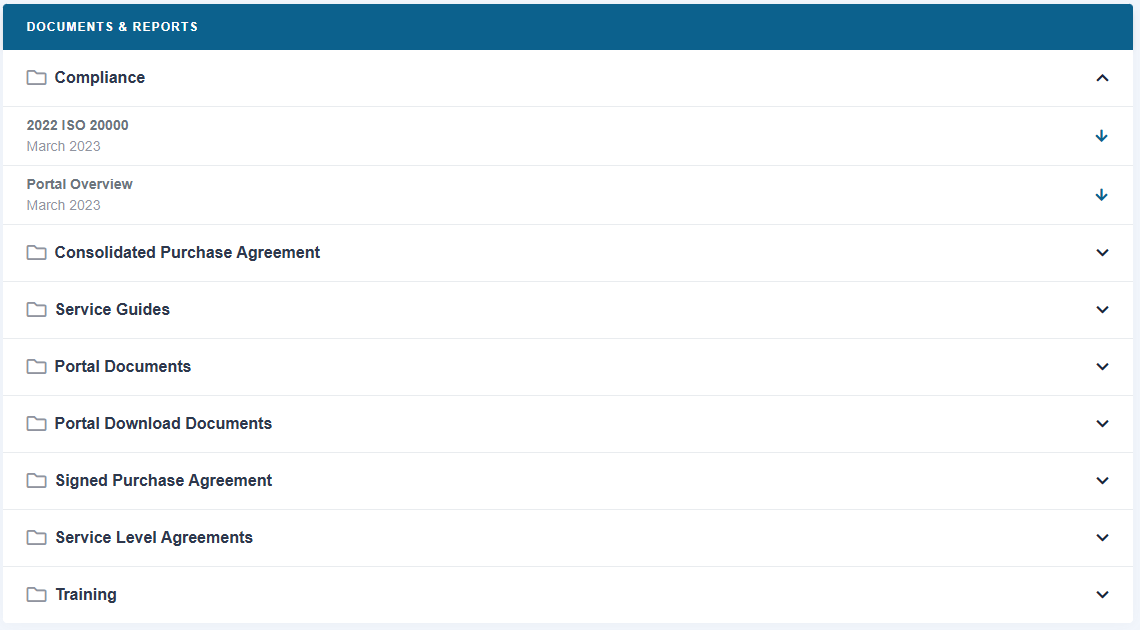
To view documents and reports such as LightEdge Compliance Documents, Open the left hand menu and click on “Docs & References”.
On the “Docs & References” screen, click the chevron arrow on the “Compliance” header to expand and view the list of Compliance Documents, and then click the down arrow next to the document title to view or download the document.