Billing & Invoices
Billing - Lightedge Invoices
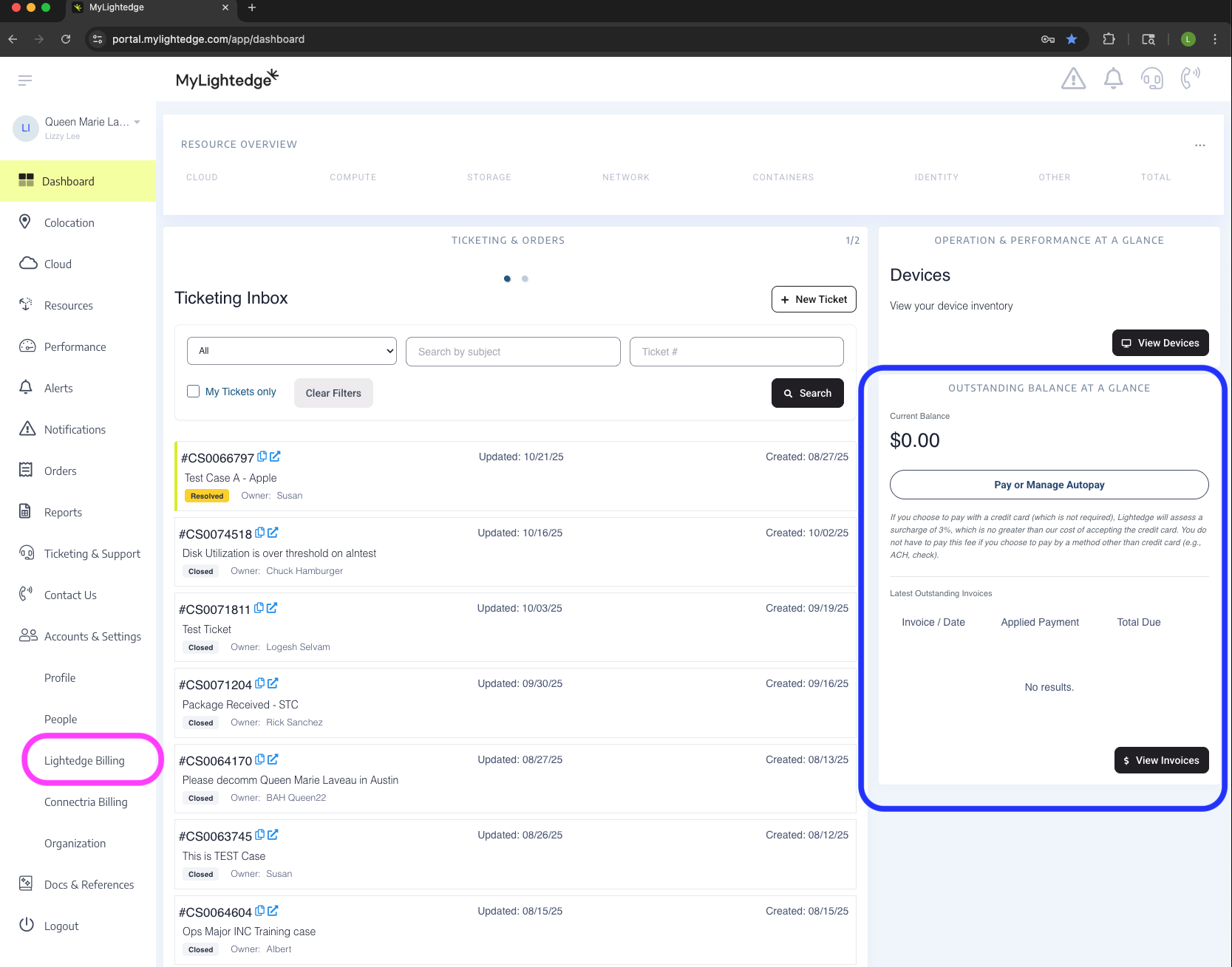
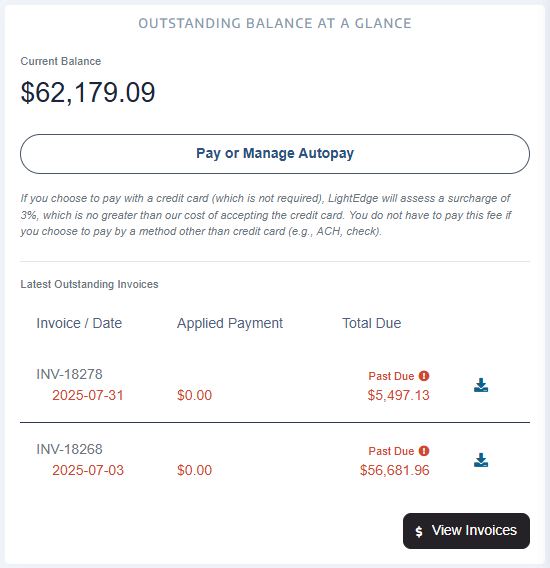
You can view your current Lightedge invoice on the Dashboard under the “Outstanding Balance at a Glance” section. Click on “View Invoices” to view the prior 12 months worth of previous invoices.
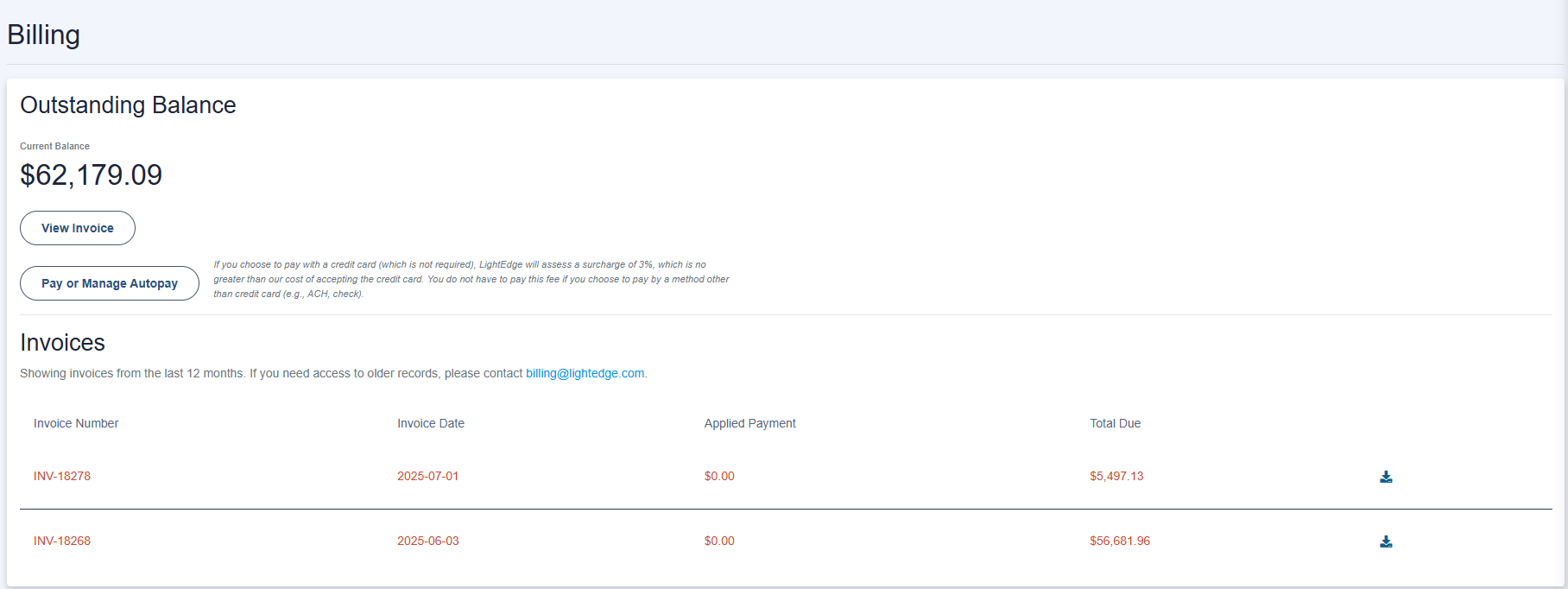
On this page you will be able to view any of your past 12 months worth of invoices, pay or manage autopay and/or download invoices.
Any questions regarding your Lightedge invoices should be directed to your Sales Account Manager or billing@lightedge.com.
Note
You will need to have the appropriate permissions to view this information inside of the Mylightedge Portal.
Billing - Connectria Billing
You can view your current and previous months Connectria invoices by leveraging the left hand menu under Accounts & Settings - Connectria Billing.
Any questions regarding your Lightedge invoices should be directed to your Sales Account Manager or billing@lightedge.com.
Note
You will need to have the appropriate permissions to view this information inside of the Mylightedge Portal.